Beaver, UT
MM 10910-hour reset — arrives ~7:21 PM
Stop length
Find a stop

Weather for Every Journey
WeatherRig is a route-planning app for professional drivers and other long-distance travelers. Enter a trip and review conditions along the way, including planned stops and 10-hour resets.
Free trial: one complete trip. A subscription is required after the trial.
Watch
A short promo for WeatherRig is ready to drop into this frame. It has not been placed on the page yet.
Sixteen-by-nine stage for the WeatherRig film.
Along the route
A multi-day outlook, severe-weather alerts, and the stops that decide when you will be on each stretch of road.
Review winter conditions and chain-law restrictions on the roads you plan to run, at the time you are expected there.
See how conditions can differ at the pass and in the towns below, so a valley forecast is not mistaken for the pass.
Watch for blowing dust and sudden visibility drops on corridors such as I-10 in Arizona.
Push notifications and spoken alerts when severe weather develops on the remaining route.
Follow a storm against the whole planned trip, not only the city you are in tonight.
Place fuel stops and resets on the timeline so the forecast is timed to when you will actually arrive.
Plan outbound and return legs together, and adjust departure if the outlook changes.
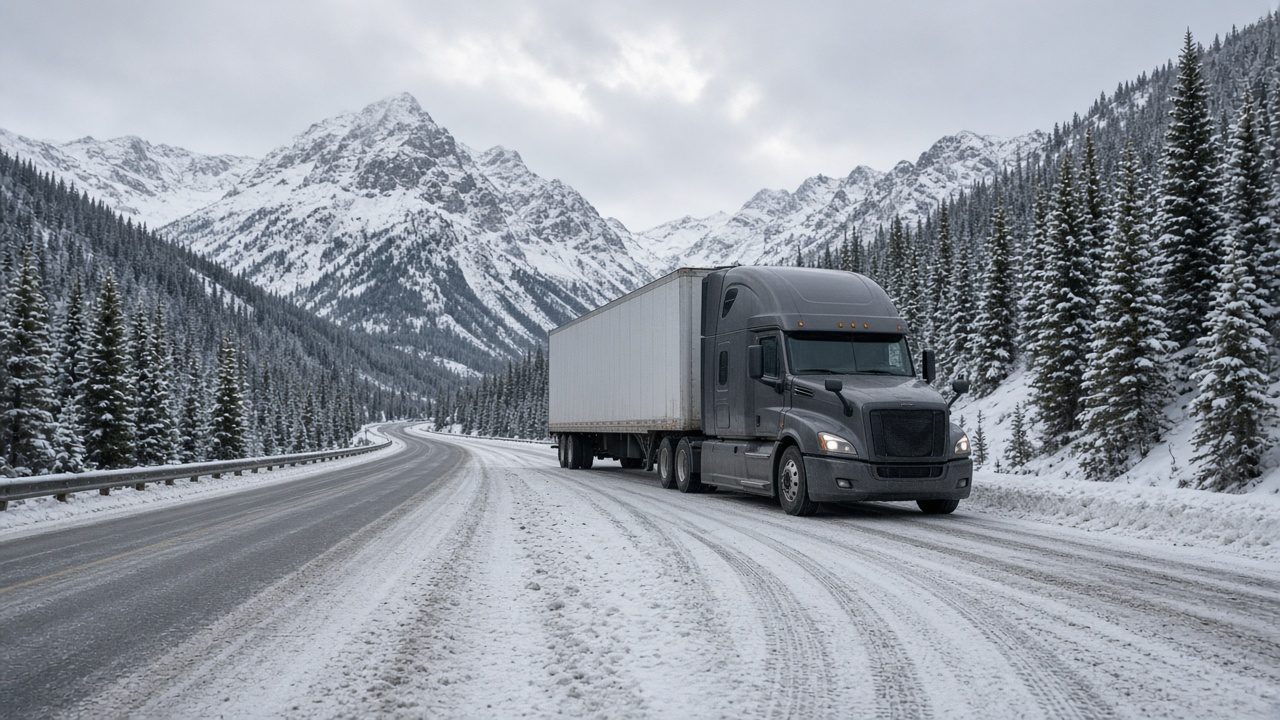
Winter and mountain roads
The trip view is meant to follow the road still ahead of you — including the stretches where winter restrictions change quickly.
How it works
Set origin, destination, and when you plan to leave. Add a return leg if you need one.
Depart tomorrow, 6:00 AM. Return on Friday.
See weather and alerts along the way, timed to your expected progress.
Snow at the pass. Chain law possible at arrival.
Add fuel stops and 10-hour resets so the forecast matches when you will actually be there.
10-hour reset — arrives ~7:21 PM. Flying J #509.
Change departure, stop length, or the return trip when the outlook changes.
Severe thunderstorm watch, 90 miles ahead — sample alert.
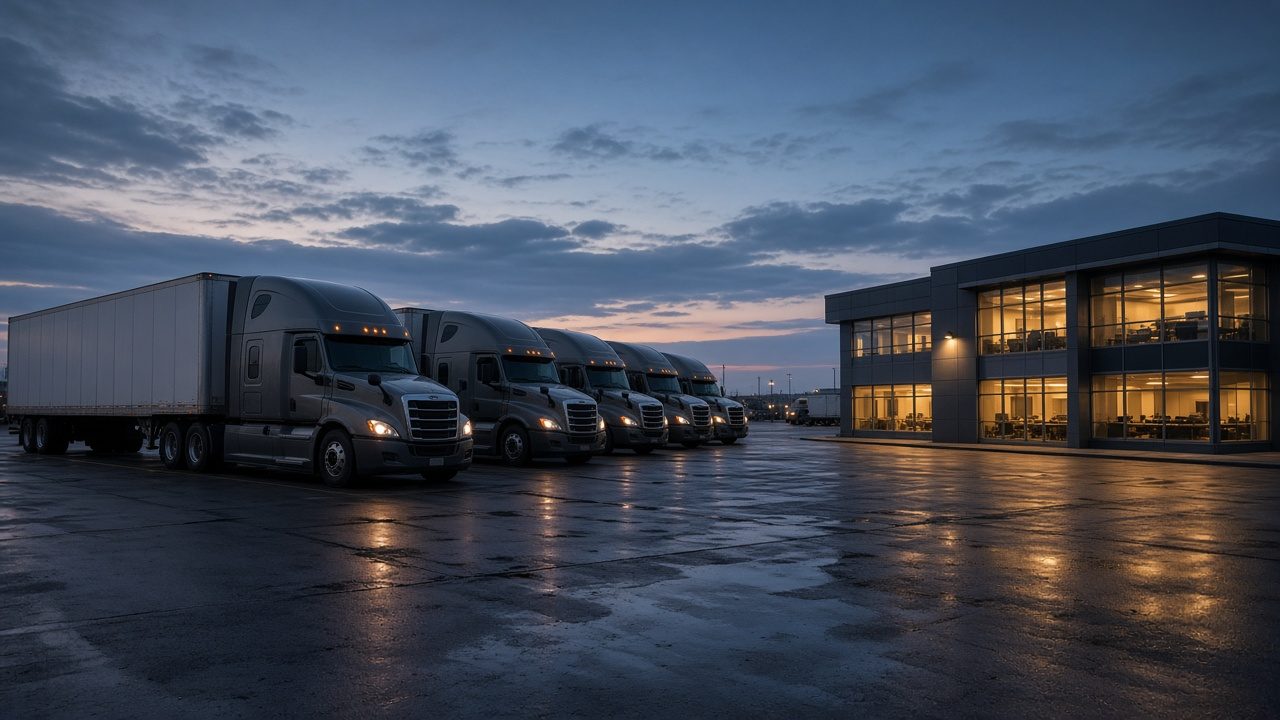
For fleets
Drivers, dispatch, and safety teams often check different sources. A shared view of weather along planned trips — at the time each truck is expected there — is the starting point for a fleet product.
For fleet inquiries, email mwtruckerapps@gmail.com.
Capabilities, deployment, and pricing for fleets are not published yet. This section is reserved for those details when they are ready. Nothing below should be read as a current offer.
For every journey
The same trip view is useful for anyone covering long distance — not only over-the-road work.
A clear picture of weather on a multi-day drive, before you leave and along the way.
Wind, mountain passes, and storm timing on a longer, slower route.
A single outlook for a road assignment, including the drive home.
Resets, fuel stops, and pass conditions on a working timetable.
From the app
These frames are placeholders. Current app screenshots will replace them.
Trial and subscription
Use the app on one full trip, including a return if you plan one. A subscription is required after the trial. Individual and fleet plans will be listed here when pricing is set. No price is being announced on this page.
Please read
WeatherRig is a planning tool. It is not a guarantee of road conditions, arrival times, or weather, and it is not a substitute for official forecasts, National Weather Service products, DOT or 511 reports, law-enforcement direction, or your own judgment. Conditions can change quickly. Follow official forecasts and guidance from the National Weather Service and the DOT.
The driver makes the final call. Do not handle your phone while driving. If you need to change a plan, do it when you are safely stopped.
The trip cards on this page use sample data for layout only. They are not live conditions, and stop names are shown for illustration. They do not imply affiliation with or endorsement by any truck-stop brand, highway agency, or mapping provider.
When in doubt, park it and wait it out.
Contact
Questions about WeatherRig, this site, fleet inquiries, or the privacy policy may be sent to the public support address.